
Why Loop YouTube Videos?
Learning a guitar solo, riff, or technique from a YouTube video can be frustrating without the right tools. Musicians often have to keep pausing, rewinding, and adjusting the playback speed manually — pulling focus away from practice.
Looping a specific section does three things at once:
- Isolates the exact phrase you need — no extraneous verses or unnecessary sections.
- Reduces mental load — your brain can focus on muscle memory instead of remembering where you are in the song.
- Enables slow-motion practice — real guitar sounds at 75% speed reveal finger positions and timing that zip past at full tempo.
Professional session players and teachers have used looped playback for decades — it's the foundational technique for rapid skill acquisition. The YouTube Looper brings that professional tool to your browser, free, with no installation.
How the YouTube Looper Works
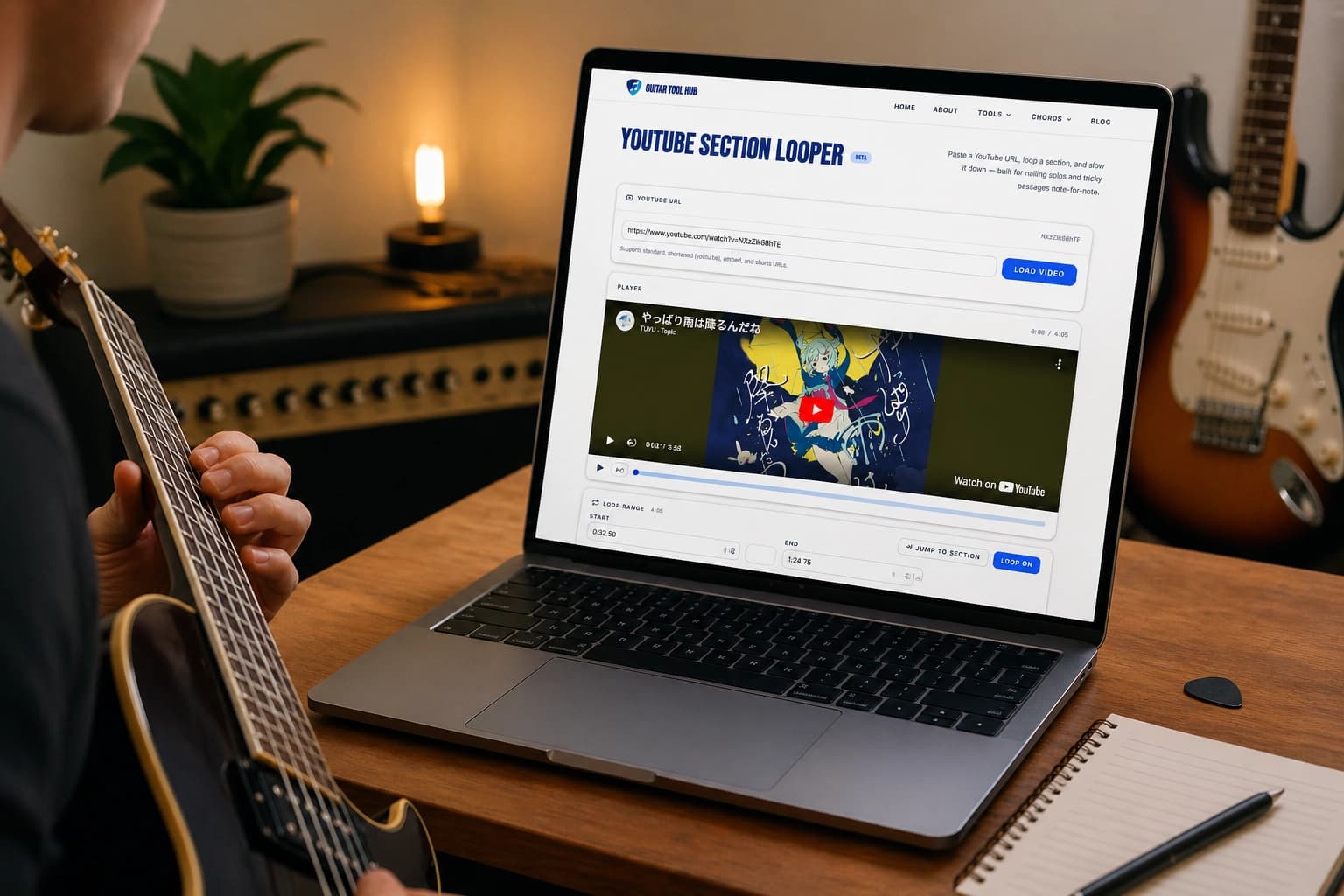
The tool is straightforward: paste any YouTube URL, set start and end times (or drag them on the timeline), and the looper plays that section on repeat. Speed control works in real time — there's no quality loss or weird audio artifacts because we use YouTube's native playback engine.
Key features
A-B Loop: Set exact start and end points with the timeline — no fiddly input fields if you don't want them.
Speed Control: 0.25x to 2x playback speed in 0.05x increments.
Precise Timestamp Input: Type a specific time (like 1:23) if you know exactly where to start.
Instant URL Paste: Just paste a YouTube link — no transcoding, no waiting.
Getting Started in 3 Steps
- 1
Find a YouTube video of the song, solo, or technique you want to learn.
- 2
Copy the full URL (guitartoolhub.com/youtube-looper works with any YouTube link).
- 3
Paste it into the YouTube Looper, set your A and B points on the timeline, and press play.
That's it. You'll be hearing your chosen section repeated within seconds. Adjust the speed to whatever feels right — there's no penalty for slowing down. In fact, slowing a complex passage to 60–75% speed is how most professionals nail it.
Technique Tips for Effective Looping
Loop Small, Deliberate Sections
Don't loop an entire 8-bar phrase if you're stuck on a 2-beat run. The tighter your loop, the faster your brain's reward system fires (you nail it more often), and the quicker the pattern embeds into muscle memory.
Start Slow, Even If You Think You Don't Need To
A passage that feels "not too fast" at 100% speed often has hidden finger movements that only reveal themselves at 60–70% speed. You'll learn the correct technique faster if you see the hands clearly first, then accelerate gradually.
Pair the Looper With a Metronome
The Guitar Tool Hub Metronome can run in a second tab while your video loops. Looping is great for note shapes; the metronome locks in your timing.
Practice Strategies
A 30-minute session broken this way beats 30 minutes of playing the passage at full speed and nailing 40% of it. You'll walk away having practiced the thing that was hard, not just the things you already knew.
Common Mistakes to Avoid
Looping Without a Clear Target Tempo
If you're not working toward a specific speed, looping can become aimless. Pick a target (the original tempo, or maybe 10% slower) and have a deliberate ramp plan.
Ignoring Accuracy in Favor of Speed
It's tempting to push the speed up before you're truly solid. If you're still making mistakes at a given tempo, slow down — there's no prize for speed without accuracy, and ingraining sloppy muscle memory is the hardest thing to unlearn.
Looping the Same Section for 30+ Minutes
Mental fatigue kicks in after 15–20 minutes. Your error rate climbs and learning efficiency plummets. Take a break, work on something else, and come back to it later.
Start Looping Now
Looping is one of the most effective — and most underused — practice tools available. Whether you're working through a David Gilmour solo, nailing a tricky fingerpicking pattern, or learning a riff you heard on the radio, the YouTube Looper makes it instant and free.
Just paste a YouTube URL and press play. The rest is muscle memory.
Open the YouTube Looper →Keep practicing
All Guitar Tools
Free tools for every stage of your guitar journey.